Caterpillar Part reference

1165273knob; (red)(emergency stop)

This catalog page covers Caterpillar part 1165273, listed as a knob described as red and for an emergency stop. The catalog places it in the electrical system within screed control box groups associated with the AP-600D, so its exact application should be confirmed against the catalog.

Recorded applications

Models and catalog references

Selected catalog references that list this part. A catalog association does not confirm fitment for every machine or configuration.

& More catalog references

Catalog context

Where this part appears

  1. ModelCaterpillar AP-600D
  2. Groupelectrical system
  3. Subgroupbox group-screed control
  4. Unit286-5562 box gp-screed control -rh s/n tfm200-up part of 289-5815 wiring gp-screed an attachment
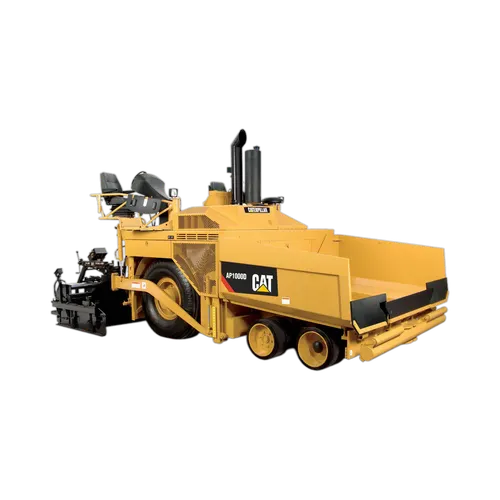
Model photo of Caterpillar AP-600DModel photo
Model photoCaterpillar AP-600D
About diagram access

Check the signed-in Part Book for available diagrams and the complete catalog breakdown.

Parts in this preview

Selected records
Selected catalog parts, with other part numbers masked
Part numberDescription
08***34screw-button head
09***66washer; (hard) (4.5x9x1mm thk)
10***02kit-receptacle; (2-pin)(engine sensor wiring harness)
1165273knob; (red)(emergency stop) (current part)

Selected entries from this catalog unit. Other part numbers are masked. Confirm the full breakdown and your machine configuration before ordering.

View model page

General guidance

Component knowledge

Understanding this component

In general, an emergency stop knob is a control-element component that a machine operator presses to signal an emergency shutdown or stop condition. Catalog terms like "knob" and "emergency stop" describe the part's control function, but the exact design, mounting and electrical interface should be checked against the catalog record.

What to check before ordering

Use part number 1165273 as the number for this knob listing. Before ordering, check the catalog occurrences for the AP-600D screed control box entries and confirm that the recorded conditions match your machine and configuration.